Meet GrainBits
GrainBits is a Ghost theme built for blogs and landing pages. Custom templates hide headers and footers when you need a focused, distraction-free page.
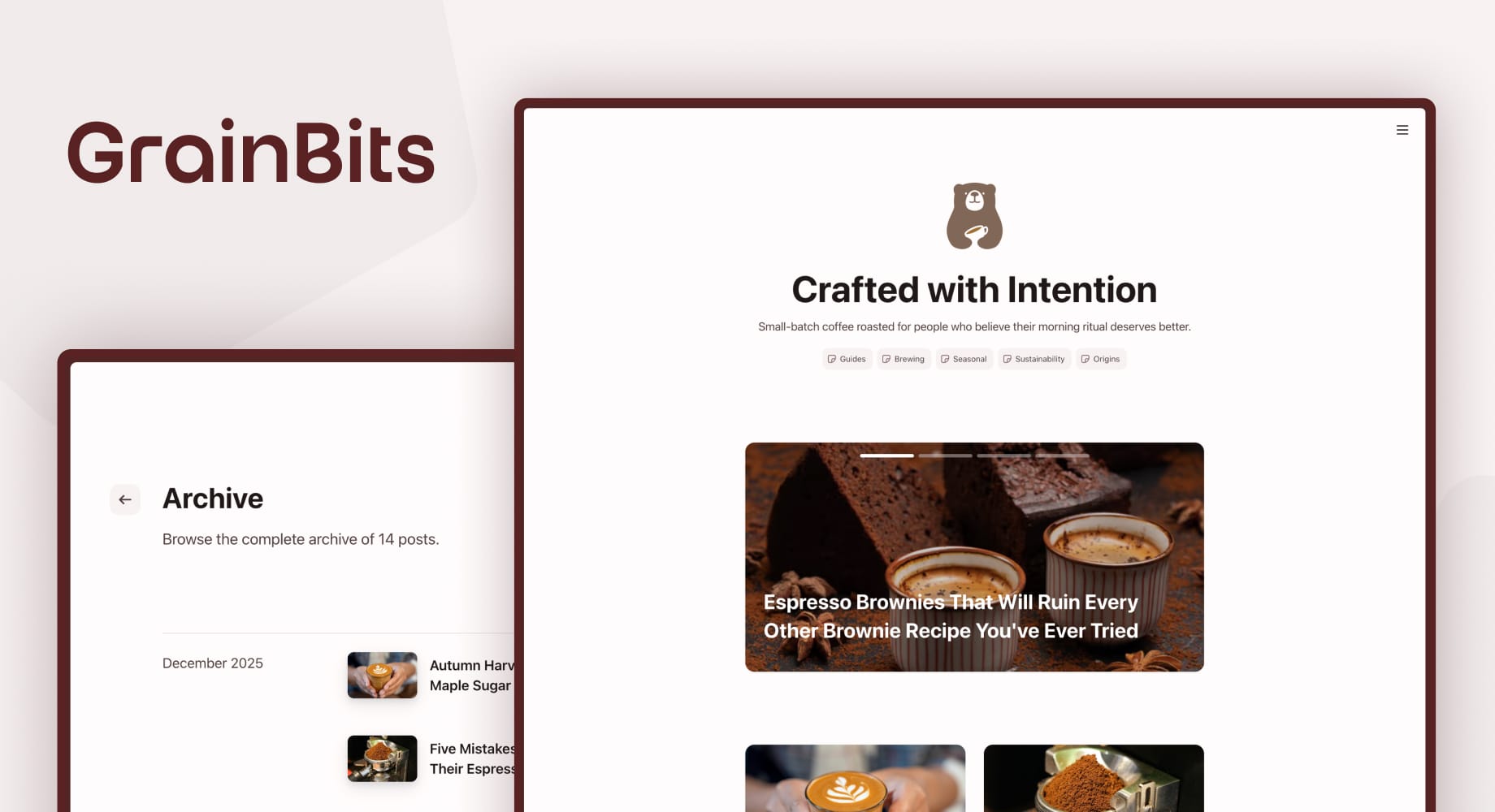
After months of designing, building, and second-guessing every detail, the second theme from theFineBits is officially out in the world.
If you've been around for a while, you know I tend to take my time. I'd rather sit with an idea, chip away at it, and ship something I genuinely use myself than push out a release I'm not proud of. GrainBits has been exactly that kind of project, and I think you'll see why once you start poking around.
Let me walk you through what makes it different.
Built because someone asked for it
GrainBits started life as a request. A FineBits customer wanted to use Ghost for email marketing campaigns and needed dedicated landing pages, the kind without a header or footer pulling attention away from a single message and a single call to action. Ghost is a brilliant publishing platform, but most themes make it surprisingly hard to build that kind of focused page alongside your regular blog content.
So I built one that does.
GrainBits ships with custom templates that strip the header and footer entirely, giving you clean, distraction-free landing pages for campaigns, opt-ins, product launches, or anything else where you want the page itself to do the talking. Your blog, newsletter, and member areas keep all the navigation and structure they need. The landing pages get to be quiet and focused.
It's not a single per-page toggle. You apply the right template to the right page in the Ghost editor, and the theme takes care of the rest. Everything else about Ghost (the editor, the cards, the workflow) stays exactly the same.
Letting Ghost do what Ghost does best
A quick note on design philosophy, because it shapes everything else.
Ghost's editor is genuinely great. The cards, the typography, the way content comes together, it's powerful and flexible right out of the box. So when I designed GrainBits, I leaned into that rather than trying to replace it. The theme gets out of the way, letting Ghost's native components handle most of the styling. Callouts, toggles, signup cards, product cards, galleries, all of it looks and feels like part of the theme rather than bolted on.
If you already know Ghost, you already know how to make a GrainBits site look good.
Three post layouts (yes, three)
Most Ghost themes lock you into a single post layout. Every post opens the same way, no matter the content. GrainBits ships with three, and you pick the right one on a per-post basis:
- Default, the classic content-first opening. Title up top, featured image inline. Best for writing-heavy pieces where the words lead.
- Hero, where the featured image takes the spotlight, edge-to-edge, above the title. Cinematic, ideal for travel writing, product launches, or photo essays.
- Wide, a middle ground. Title first, then an edge-to-edge image below it. Typography-led, but with extra visual punch.
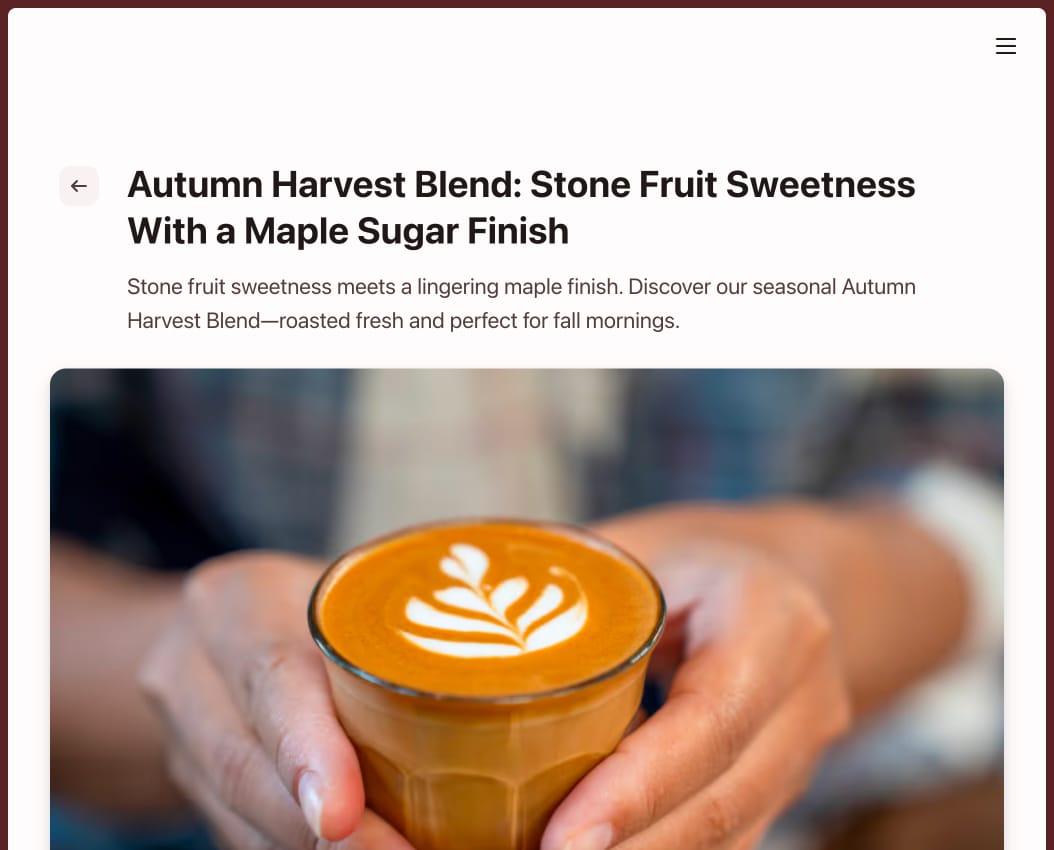

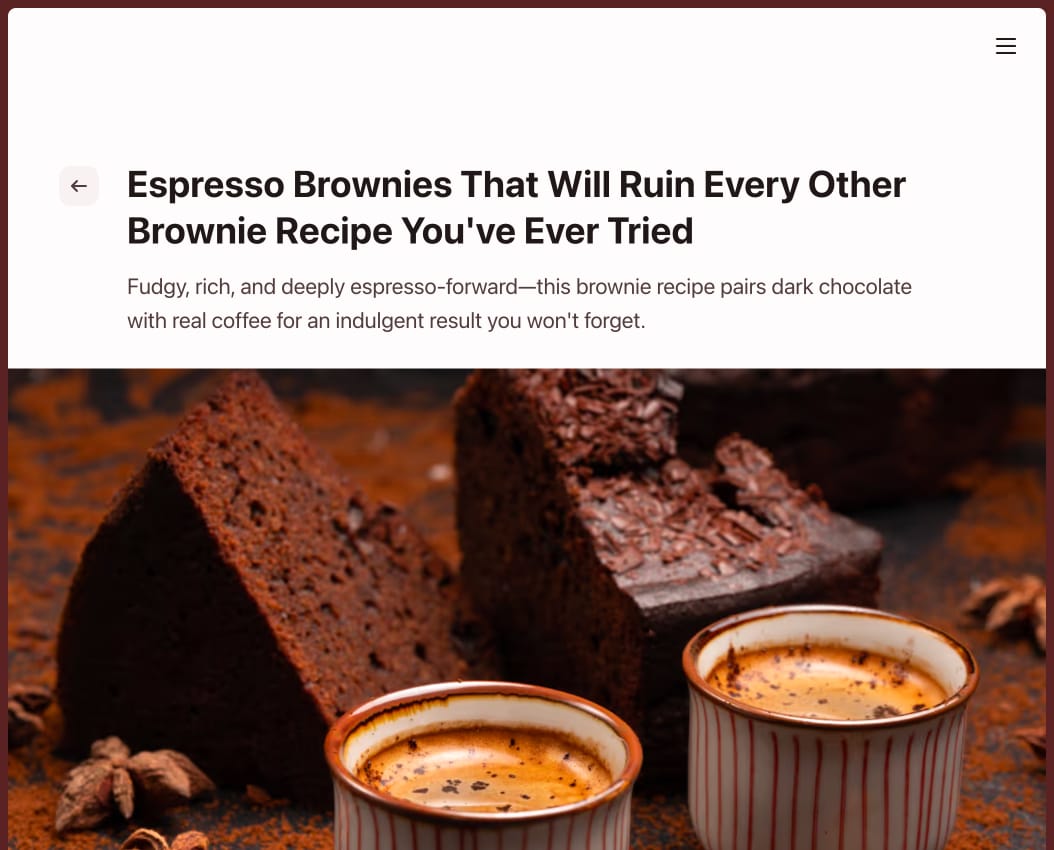
You can mix and match across the same site without things feeling chaotic, which is one of those small touches I really enjoyed nailing down.
Tints, a small but distinctive detail
Tints are a subtle color wash that sits behind your content and shapes the site's overall mood before anyone even reads a word. GrainBits ships with four:
- Neutral, classic, and quiet
- Red, warm, and confident
- Blue, cool, and considered
- Green, calm, and grounded
Pick one, and your whole site (backgrounds, surfaces, all the small UI bits) shifts to align with it. Pair the tint with your accent color and brand colors, and the result feels considered rather than cobbled together. Most Ghost themes don't offer this kind of control, so it's a small but distinctive way to make a GrainBits site feel yours genuinely from the moment someone lands.
A proper dark mode
GrainBits ships with both a light and a dark theme, and dark mode isn't an afterthought. It's tuned for low-light reading rather than just inverting the light theme and calling it done.
By default, the site loads in whatever mode your visitor's device is set to. If they want to override that, there's a theme switcher in the top navigation. Once they make a choice, their browser remembers it across sessions, so they always land on their preferred version when they return.
A homepage you can actually shape
GrainBits gives you a handful of independent toggles for your homepage so you can tune it to suit your project:
- Show or hide your publication logo
- Add a custom title and subtitle (great for a tagline or mission statement, kept separate from your SEO meta so you can write something punchy without worrying about how it reads in search results)
- Surface popular tags for quick browsing
- Feature posts, or skip featured posts entirely
Each setting works independently, so you can mix and match without weird side effects. You'll find them in Settings → Design & branding → Customize.
All the Ghost essentials, none of the missing bits
GrainBits is built for Ghost 6.x and supports everything you'd expect from a premium theme: memberships and subscriptions, native search, native comments, newsletters, the announcement bar, multiple authors, featured posts, and Ghost's full library of content cards.
There's also a custom Tags template and an Authors template, both designed to feel like part of the site rather than tacked on.
Get GrainBits
The best way to get a feel for GrainBits is to actually use it. I built a full demo site that showcases the theme handling a fictional specialty coffee roaster brand, including landing pages, blog posts, product details, and the full experience. The documentation covers setup, customization, and all the small details.
When you're ready, the theme page is where everything comes together.
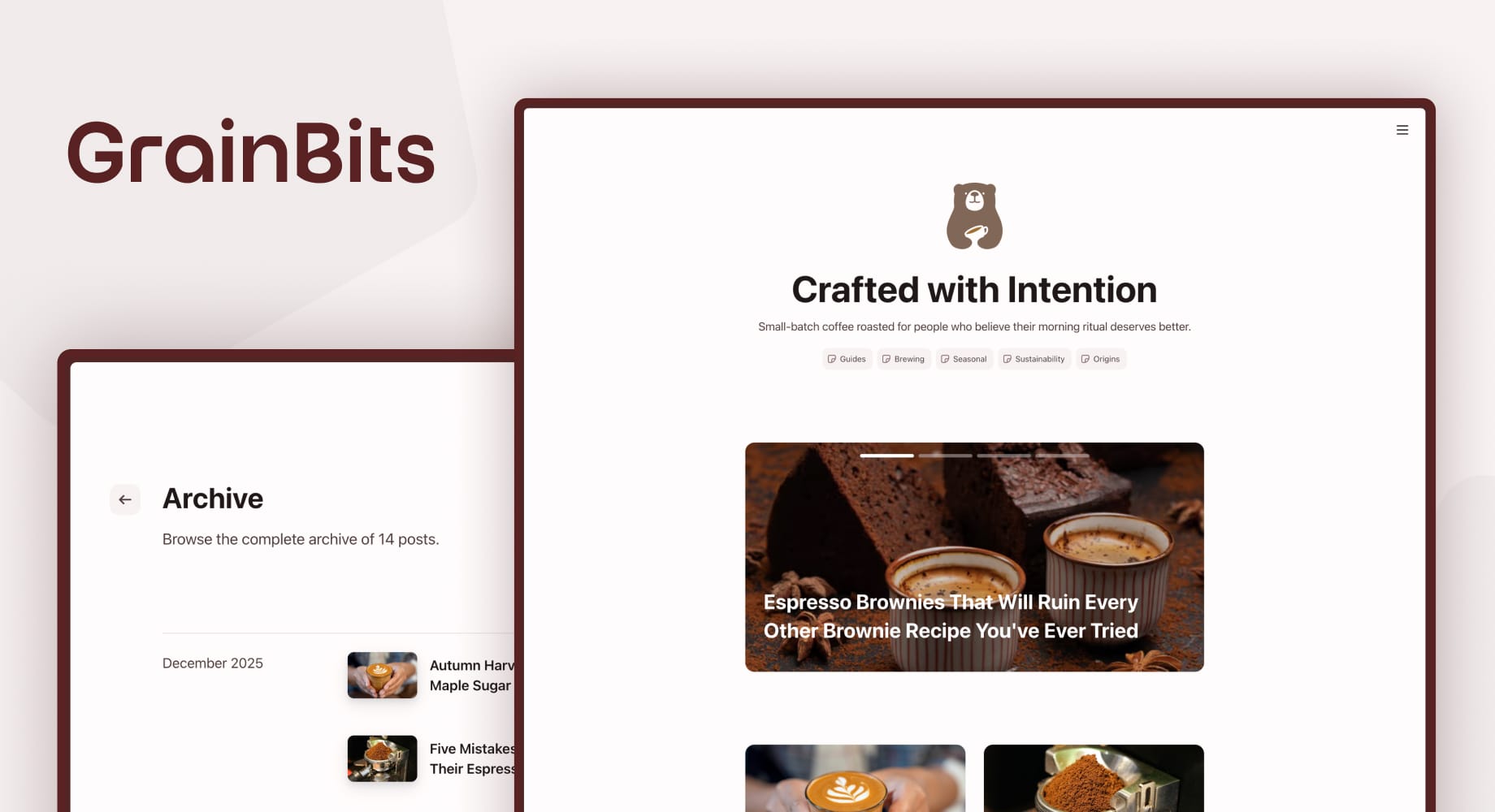
GrainBits
A versatile Ghost theme designed to give each page its own structure. Toggle headers and footers independently to create distinct experiences, all within one minimal, lightweight site.
If you'd rather just ask, hit reply or send me a note. theFineBits is still a one-person studio, which means you're always talking to the actual person who built the thing.
Thanks for being here. Now go build something good.